Setting Up Kubernetes RBAC
Service Account, ClusterRole, and Token Access
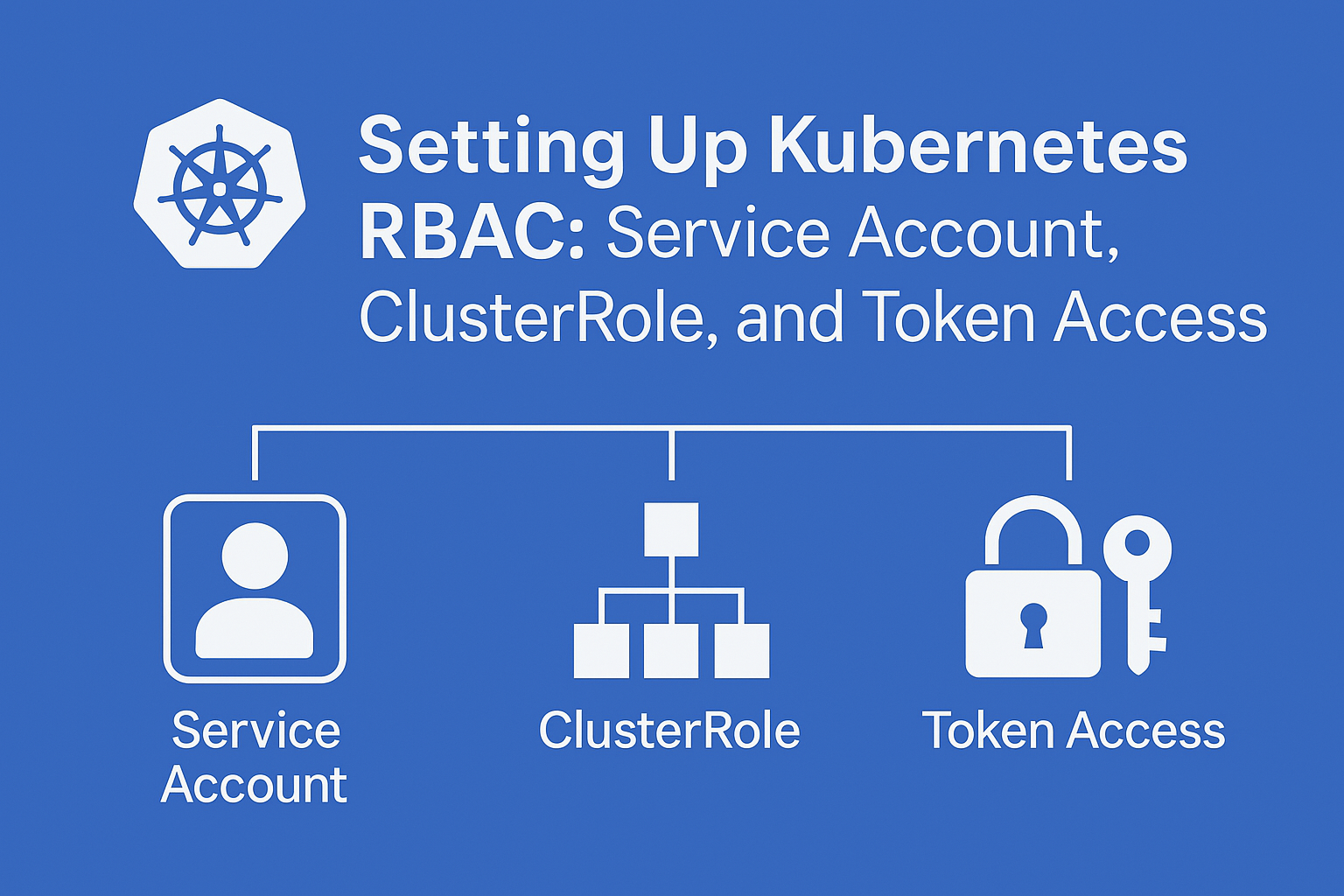
In Kubernetes, fine-grained access control is essential for securing cluster resources and defining who can do what. Role-Based Access Control (RBAC) is the built-in mechanism that lets you assign permissions to users, groups, and service accounts. In this guide, we’ll walk through the process of setting up RBAC for a service account by creating a ClusterRole, binding it with a ClusterRoleBinding, and extracting the token and certificate from a secret for API access. Whether you're automating tasks, integrating external tools, or simply exploring Kubernetes internals, understanding how to securely authorize service accounts is a vital skill.
Step-by-Step: Setting Up Kubernetes RBAC for a Service Account
Create a Namespace (Optional but Recommended)
Organizing resources into a namespace helps isolate access
vi my-namespace.yamlapiVersion: v1 kind: Namespace metadata: name: my-namespaceApply with:
kubectl apply -f my-namespace.yamlCreate a Service Account
vi my-sa.yamlapiVersion: v1 kind: ServiceAccount metadata: name: my-service-account namespace: my-namespaceApply with:
kubectl apply -f my-sa.yamlDefine a ClusterRole
This grants permissions across the entire cluster. Here’s an example with read access to all pods:
vi my-cr.yamlapiVersion: rbac.authorization.k8s.io/v1 kind: ClusterRole metadata: name: pod-reader rules: - apiGroups: [""] resources: ["pods"] verbs: ["get", "list", "watch"]Apply with:
kubectl apply -f my-cr.yamlBind the ClusterRole to the Service Account
vi my-crb.yamlapiVersion: rbac.authorization.k8s.io/v1 kind: ClusterRoleBinding metadata: name: read-pods-global subjects: - kind: ServiceAccount name: my-service-account namespace: my-namespace roleRef: kind: ClusterRole name: pod-reader apiGroup: rbac.authorization.k8s.io
Apply with: kubectl apply -f my-cr.yaml
Test if the service account can perform required action
kubectl auth can-i <verb> <resource> --as=system:serviceaccount:<namespace>:<serviceaccount>
Replace the placeholders as follows:
<verb>– the action to test, e.g.,list,get,create,delete<resource>– the Kubernetes resource, e.g.,pods,secrets,configmaps<namespace>– the namespace where the service account resides<serviceaccount>– the name of the service account you're testing
Up Next: Extracting Tokens and CA Certs from Kubernetes Service Accounts
In the next post, I’ll cover how to extract service account tokens and certificates depending on your Kubernetes version:
For Kubernetes < 1.24: Using auto-generated secrets.
For Kubernetes 1.24+: Using
kubectl create tokenor manually creating aSecretof typekubernetes.io/service-account-token.
You’ll also learn how to use these credentials to configure a custom kubeconfig file for accessing the cluster via kubectl or automation tools.
Comments
Join the discussionNo comments yet. Be the first to comment.